

Prerequisites
- Service Token: Sign up on the Nscale platform to create your service token.
- Model Selection: Choose an image generation model from Nscale’s model library.
- Example: FLUX.1 [schnell]
black-forest-labs/FLUX.1-schnell
- Example: FLUX.1 [schnell]
Step 1: Set up your environment
Before making requests, ensure you have the necessary tools installed for your language of choice: For Python: Install openai libraryStep 2: Sending an image generation request
Let’s walk through an example where we generate an image based on a text prompt. Request structure Each request to the Nscale Image Generation API endpoint should include the following:- Headers:
"Authorization": "Bearer <SERVICE-TOKEN>""Content-Type": "application/json"
- Payload:
"model":"<model id e.g., black-forest-labs/FLUX.1-schnell>""prompt":"<text description of the desired image>""size":"<image size, defaults to 512x512>""n":"<number of images to generate, defaults to 1>"
Step 3: Understanding the Response
The response from the image generation API contains:- A base64-encoded image in the
b64_jsonfield - A timestamp of when the image was created
- The response is returned as a single object, with an array of generated images in the
datafield
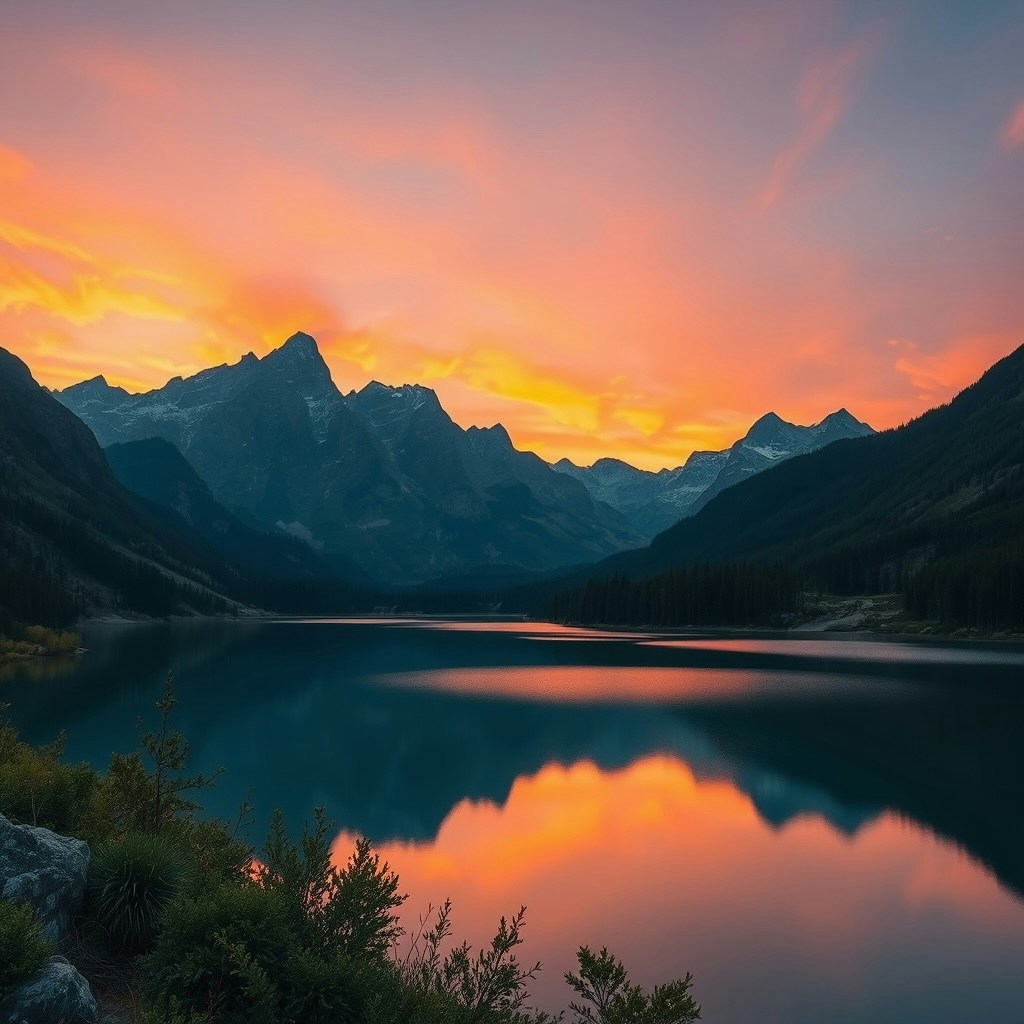
Step 4: Using the CLI for Image Generation
You can also use the Nscale CLI to generate images. This is a convenient way to test models or build command-line applications.Prerequisites
- Ensure you have the Nscale CLI installed
Examples
Here are some examples of using the CLI for image generation:Step 5: Monitoring and scaling
Nscale handles scaling automatically based on traffic patterns—no manual intervention needed! Use the Nscale Console to monitor:- API usage by model
- Spend breakdowns
Troubleshooting
Common status codes and their meanings:Success Response Format (200)
Error Response Format
Available Models
For a complete list of available image generation models and their pricing, please refer to our models page.Contact Support
Need assistance? Get help from our support team